Monter Datis ARD 1.8
 Back
Back
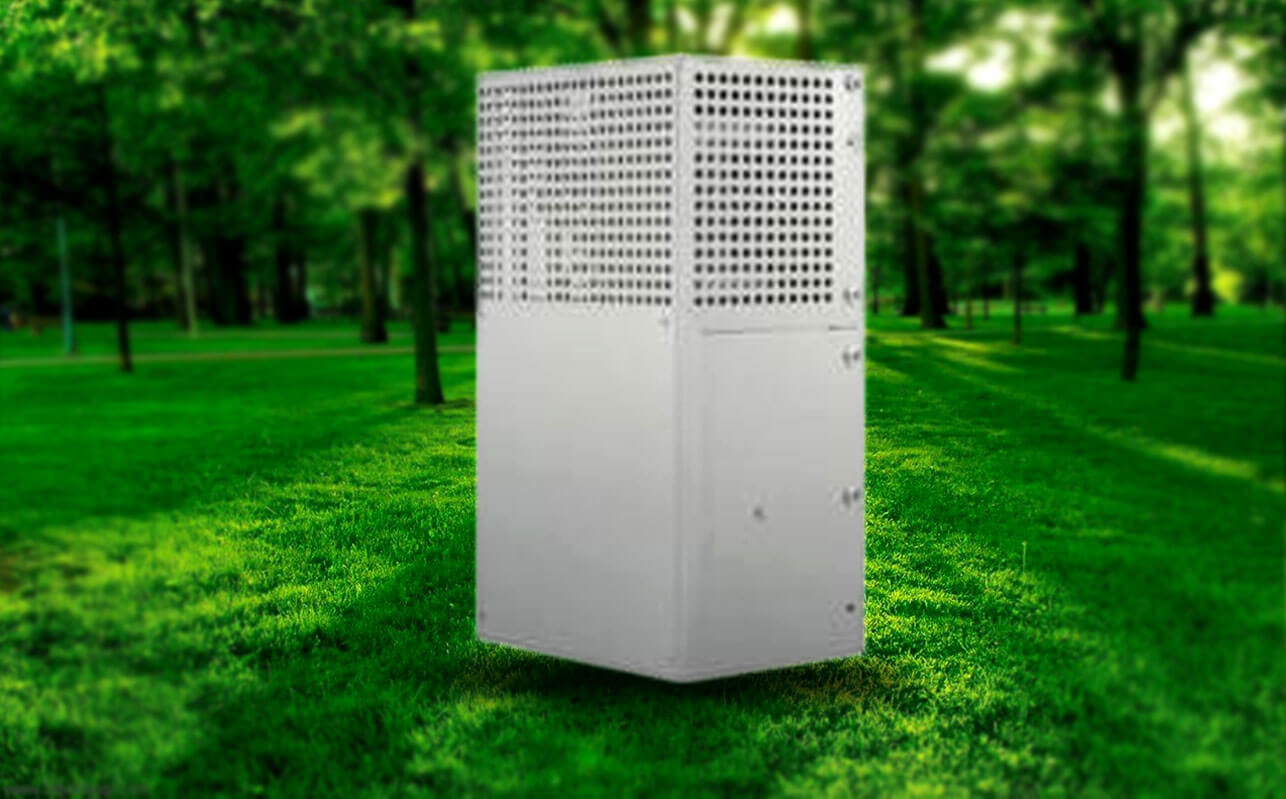
Technical Specifications
| Model | Monter Datis ARD 1.8 |
|---|
- Mount the UPS on the wall using 4 screw plates.
- Remove the UPS cover by unscrewing the screws on the door.
- After disconnecting the power in main distribution panel (3 phases and FLC phase switches),according to wiring diagram, connect the UPS bottom 5 terminals to main distribution panel and top 5 terminals to corresponding terminals of Datis elevator control panel.
- Connect the LAN cable (available inside UPS) to UPS socket in LIGHT controller inside control panel.
- Turn ON the control panel after making sure about connections. Choose “Main Setting” group in “All Parameters” menu and “Enable” the “Rescue” parameter. Light Controller: All Parameters / Main Settings / Rescue = Enable
- Connect BAT miniature fuse in UPS and close the cover of UPS with screws.
- If the UPS works properly, the UPS LED which is located on top of LAN connection flashes
Products Categories